
Self-Hosted Project Collaboration: Jira, Confluence and Mattermost
A project is hard to hand off when its only record is a chat thread. Put the assignment in an issue tracker, the reason behind the decision in a wiki, and the discussion in chat with links back to both. Check Atlassian Data Center eligibility and support dates if the plan depends on Jira or Confluence.
Updated 22 October 2026. This guide combines documentation review with original planning worksheets. It does not report a deployed comparison, a recovery test or measured capacity.
Jira self hosted and self hosted Confluence: start with lifecycle
Atlassian says new customers could no longer buy new Data Center subscriptions or Marketplace Data Center apps after 30 March 2026 at 23:59 PST. Existing customers have a different purchasing window, through 30 March 2028 at 23:59 PST. Impacted Data Center products reach end of life on 28 March 2029 at 23:59 PST; subscriptions and associated Marketplace apps expire and become read-only. Extensions are by exception, not a default assumption. Confirm your organization’s eligibility and migration path with Atlassian before committing to infrastructure. See the official Data Center lifecycle and purchasing policy.
Our planning recommendation is to separate an existing deployment’s continuity project from a new team’s purchasing decision. A server specification cannot solve a product lifecycle constraint. Put the expected service lifetime and an exit milestone beside the server budget.
An original source-of-truth worksheet
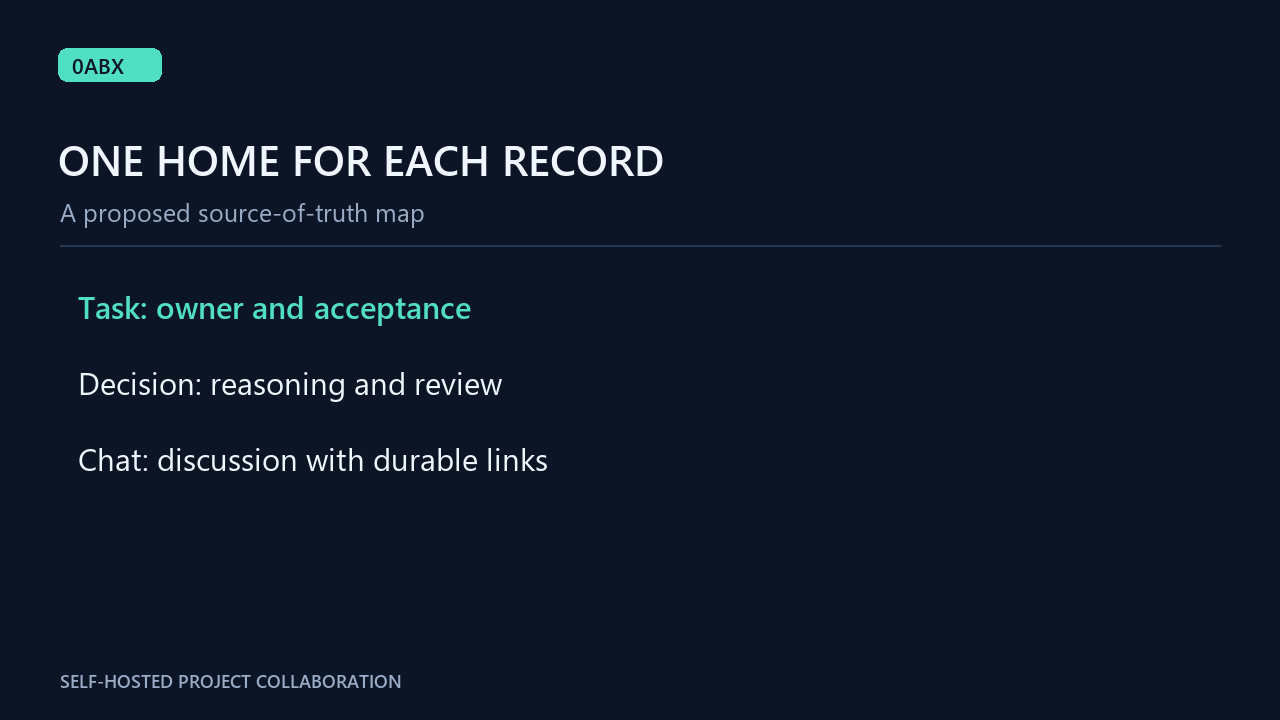
Use the following worksheet before connecting applications. The point is to decide which record wins when two screens disagree. These are proposed operating rules, not claims that any product enforces them automatically.
| Record | Authoritative home | Required evidence | What stays elsewhere |
|---|---|---|---|
| Work item | Your issue tracker, such as Jira in an eligible existing environment | One accountable owner, acceptance check and decision link | Discussion can happen in chat; status must return to the issue |
| Decision | Your documentation space, such as Confluence where its lifecycle fits | Decision date, reasoning, reviewer and superseded decision | The issue links here rather than copying an evolving explanation |
| Conversation | Your team messaging service, such as Mattermost | Thread context and links to the final task and decision | A chat reaction alone does not approve a release |
| Attachment | One explicitly selected document or file location | Owner, access policy and backup membership | Copies in messages are references, not independent master records |
Assign an owner to each row. If the same person owns every row, still write the four responsibilities separately. That reveals which activity needs cover when the person is unavailable. For a small team, fewer applications can reduce handoffs; preserving a workflow matters more than installing all three names.
A hypothetical release handoff you can rehearse
Imagine a release discussion reveals that an external integration has changed. This is a fictional exercise, with no real customer data or production test behind it. Give the exercise a disposable issue, a short decision document and a chat thread.
- Open the issue with a named owner and a concrete acceptance condition: the integration’s documented response can be handled safely. Link the discussion rather than pasting every message.
- Write the decision document with the chosen approach, rejected option and reason. Add a link back to the issue. Record who can approve a later change.
- Close the chat loop with links to both records. A reader arriving tomorrow should locate the decision without searching the entire conversation.
- Ask a second participant with normal permissions to follow all links. A link that works only for an administrator is a failed handoff.
- Change the decision in the disposable exercise. Verify that the issue points to the current record and that the old reasoning remains understandable.
Record each result as pass, fail or not attempted, with the person and date. Do not convert a proposed checklist into a claim of tested reliability. Keep the failed step visible until it has an owner and a resolution.
Mattermost self hosted: protect the whole recovery set
Mattermost’s official backup and disaster recovery guide identifies the database, configuration and locally stored user files as separate backup concerns. Its clean-backup procedure stops Mattermost to avoid inconsistencies between database and file state. Its supported disaster recovery model is active/passive, rather than active/active. High availability within one site is distinct from surviving a site or regional failure. Use the version-appropriate procedure for your deployment.
For our worksheet, treat an external object store as a dependency requiring an explicit protection decision. Do not mark a bucket as backed up merely because it is outside the application server. Ask what happens after accidental deletion, credential loss or an unavailable provider.
An original access and exit gate
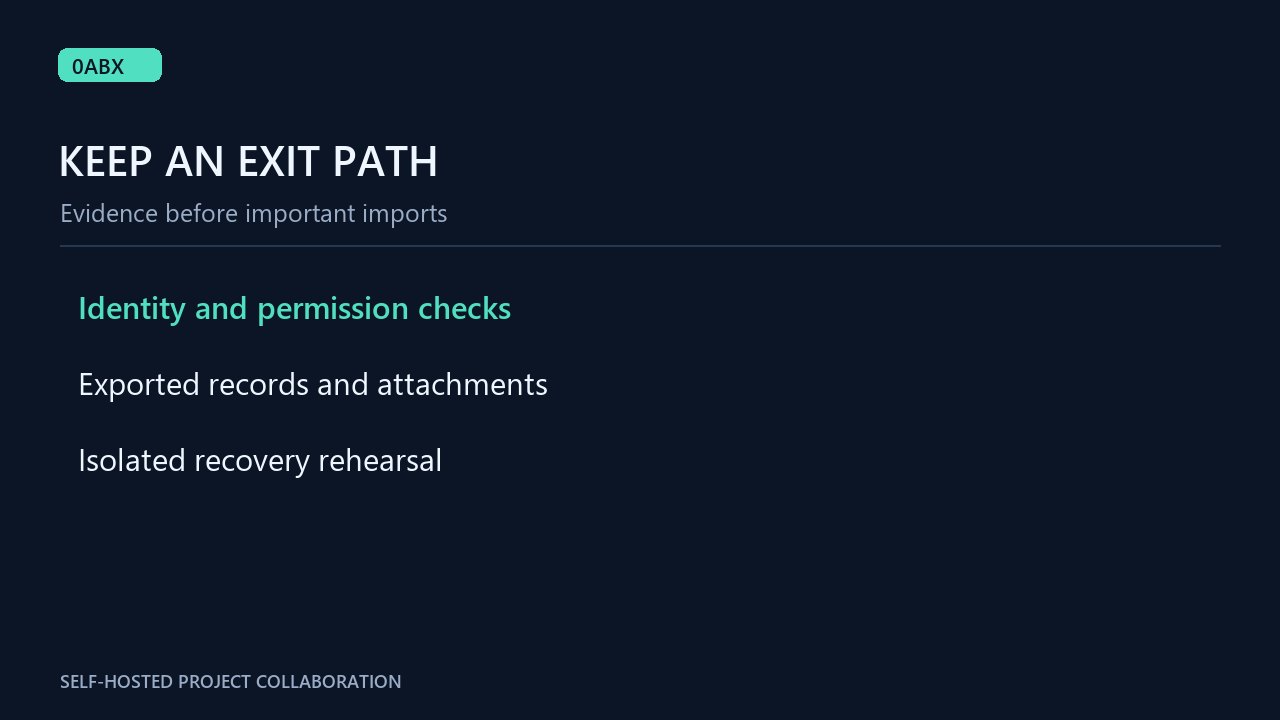
Fill this gate with evidence before importing important work. Write an actual owner and an artifact location in your private operating notes; never publish passwords or recovery tokens in a project document.
- Joining: define the first project, documentation space and channel a new member should see. Test with a normal account and record any unexpectedly visible material.
- Leaving: list the account, sessions, automation tokens and ownership transfers that need review. Do not assume removing a chat account transfers its open tasks.
- Identity outage: name the approved recovery route if your identity provider is unavailable. Store its instructions where the outage cannot hide them.
- Export: choose a disposable issue, document, attachment and conversation. Record which identifiers, links, formatting and permissions survive the available export path.
- Recovery: describe the isolated destination, compatible software versions, database, files and configuration required. A backup job’s success notification is not a demonstrated restore.
- Exit date: put the product lifecycle milestone and a rehearsal date in the same plan. Assign the person who can approve the final move.
Use a simple acceptance rule: a second person can locate a task, understand its decision, retrieve its attachment and identify its current owner without administrator privileges. Then repeat that navigation against a permitted export or isolated recovery rehearsal. Until you run it, label that second half not attempted.
Questions before you choose the stack
Can a new team simply buy Jira for a self-hosted server?
Check the current Data Center purchasing restrictions above first. Do not use an old installation tutorial as evidence that a new subscription is available to your organization.
Does self-hosting Confluence remove the need for a migration plan?
No. A documentation repository needs an exit plan covering attachments, links and reader access, in addition to its application lifecycle. Write down what your team must still be able to read after a move.
Can Mattermost replace the issue tracker and knowledge base?
Our suggested decision rule is to keep live discussion in chat and place durable ownership and reasoning in explicit records. A very small team may use fewer tools, but it still needs those records and a clear handoff.
Continue with the app responsibility selection guide and the backup and restore checklist. If automation will act on these records, review the runner readiness checklist before granting access.
Watch the short walkthrough
Original narrated slides with synthesized English voice. The written checklist above provides the same guidance.
Moving customer accounts and deals alongside your project tools? Use the CRM migration acceptance checklist to verify record imports, permissions and recovery.
