
GitHub Self-Hosted Runner: A First-Job Readiness Checklist
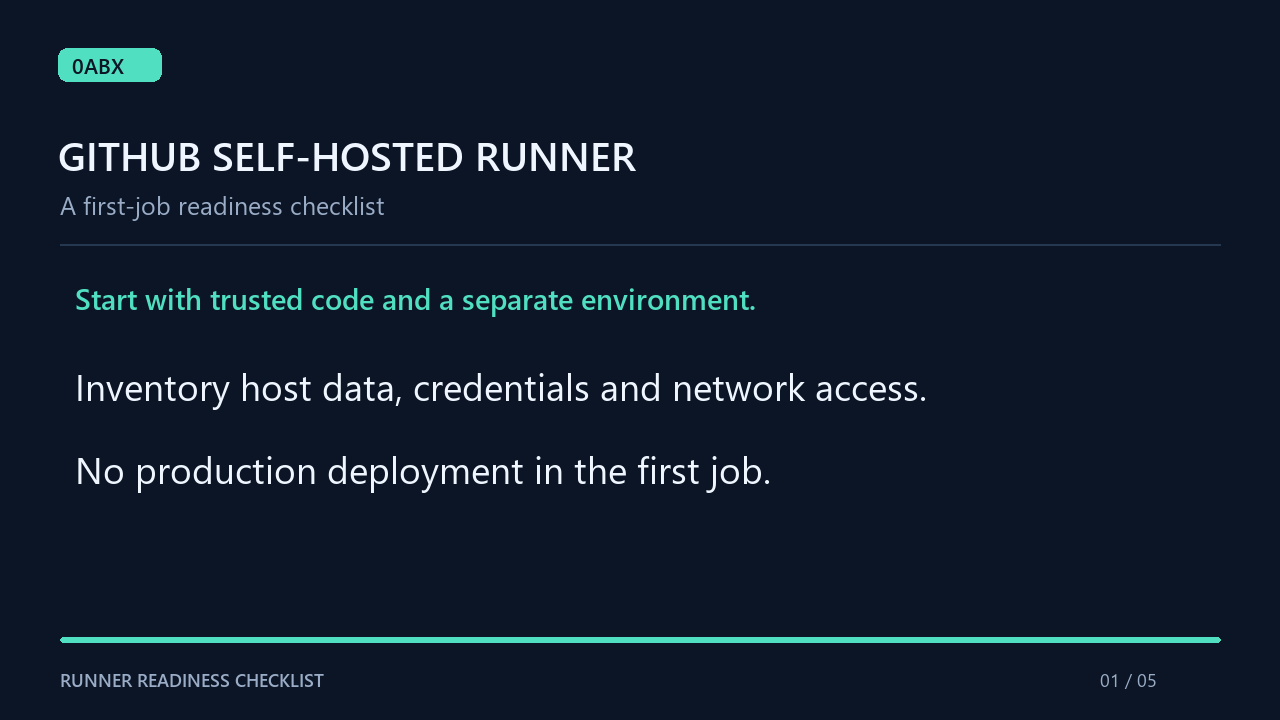
Use a GitHub self-hosted runner when a trusted workflow needs hardware, software, or private resources that a hosted runner cannot provide—and you can maintain a separate execution environment. Do not put your first runner on the same machine as your personal files, production website, or password vault. Start with a restricted test repository, no deployment credentials, and one small manually triggered job.
The first decision is who can cause code to run on the machine. Installation comes after that decision. This guide gives you a readiness worksheet and a proposed Linux smoke check. It does not claim that we registered a runner or executed a GitHub Actions job.
By Licheng LI · 19 October 2026 · Documentation checked on this date.
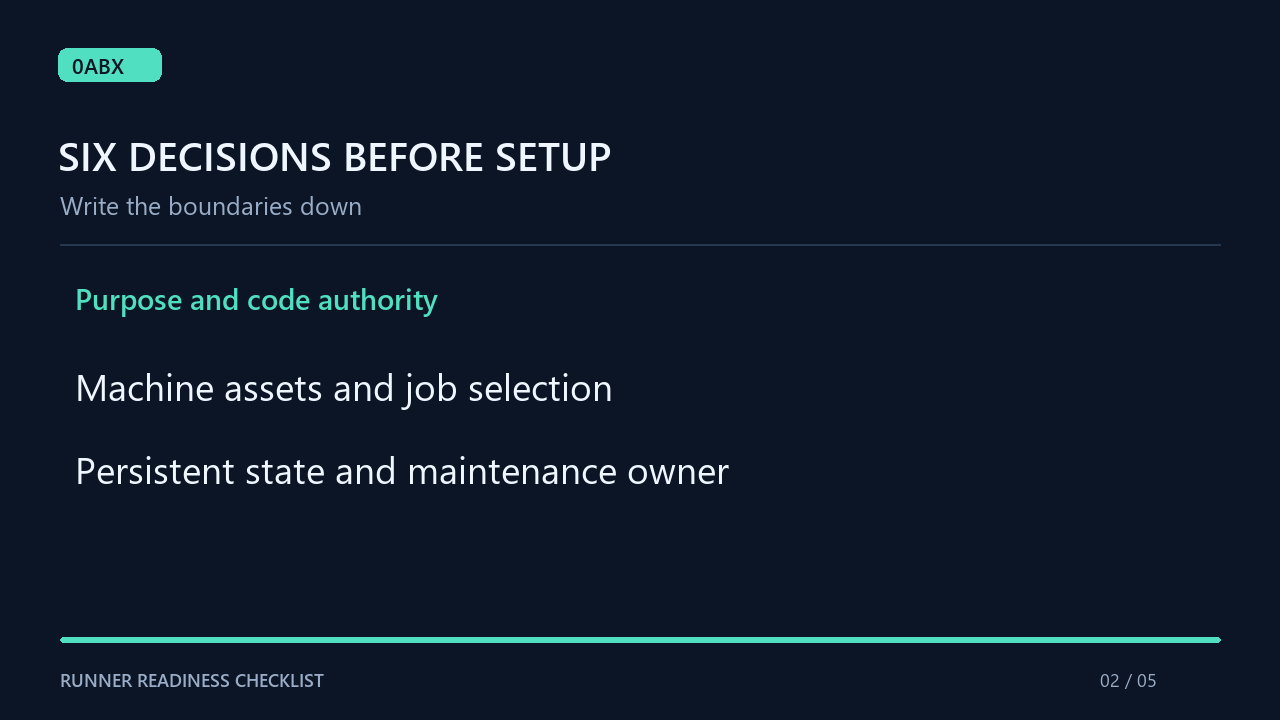
Six decisions before registration
Fill in this table before copying a registration command. “Unknown” is a useful result: it identifies a boundary you have not designed yet. It is not a reason to make the machine accept more work.
| Decision | Write down | Pause if |
|---|---|---|
| Purpose | The specific missing capability: a device, toolchain, or private test service | The only reason is that an idle computer is available |
| Code authority | Who can edit workflows, push relevant branches, or submit code that jobs execute | You cannot describe who can trigger execution |
| Machine assets | Accounts, mounted folders, tokens and network services visible to the runner identity | The runner shares access with valuable household or production services |
| Routing | Which repository, runner group and labels select this machine | An unrelated job could select it accidentally |
| State and cleanup | What persists between jobs and how a fresh environment is provisioned | You are treating deleting a workspace as proof of isolation |
| Ownership | A named maintainer, patch process, logs and removal procedure | Nobody will notice an offline or outdated runner |
Separate capability from authorization. A label describing a GPU tells the scheduler where a job may fit; it does not establish that the job is trusted. Likewise, putting a runner in a container does not by itself establish that its host folders, credentials, or network are isolated. Record the actual access rather than relying on the name of the packaging technology.
Three small planning examples
A private firmware build
Hypothetical requirement: a maintained private project needs a particular USB development board. Give the proposed runner only the board and test inputs it needs. Inventory the service account, device permissions, attached storage and reachable network before connecting it. Keep unrelated home services outside that environment.
Record who may modify the workflow and build scripts. The first acceptance check should establish that a manually selected job reaches the intended machine. A later hardware check can validate the board. Do not make a successful scheduler test stand in for a successful hardware test, and do not attach production signing keys merely to get the first build working.
A public open-source repository
Hypothetical requirement: contributors submit pull requests from anywhere. That changes the trust question before it changes the installation steps. Treat contributor-controlled build inputs and scripts as potential code execution. For a beginner’s first job, use a hosted runner instead of attaching a long-lived home machine to that public contribution path.
If an organization has a genuine need for self-managed public CI, it needs a separate design and review for untrusted workloads, not a variation of this starter worksheet. An approval button, a private IP address, or a custom label should not be recorded as proof that arbitrary job code cannot reach the host’s assets.
A production website on a VPS
Hypothetical requirement: a personal website already runs on a paid server and the owner wants that spare CPU to build releases. List what is already there: site configuration, database access, uploads and administrative credentials. Running build code beside those assets ties two responsibilities together.
Our readiness decision is to separate the execution environment before registering the runner. This guide does not install CI on the server hosting 0abx. Build in an appropriate isolated environment and design deployment as a later, separately authorized step. The first successful job should need no production password and should change no public website.
A first-job acceptance record
Copy the following fields into a private note. The record is original to this guide; its blank result fields are intentional. Do not paste a live registration token, a complete environment dump, or private directory listings into a public issue.
- Scope: Repository, visibility, owner and allowed workflow authors.
- Runner: Machine identifier, operating system, architecture, runner version and non-production account.
- Selection: Assigned labels and, if used, group access restrictions. Confirm every requested label is present.
- Exposure: Mounted data, device permissions, credentials and reachable services; record exclusions.
- Baseline: Fresh environment or known persistent state, and who can rebuild it.
- Dispatch: Date, workflow revision, run URL and person who initiated it.
- Expected: One job on the selected runner, a fixed log message, no checkout and no deployment.
- Observed: Runner selected, job result and log message. Leave blank until actually run.
- Follow-up: Restart or disconnect behavior to test, log review and removal owner.
Accept the first job only when the observed record matches the expected one. Then add the next capability deliberately: source checkout, dependencies, a build, and eventually deployment each introduce different access. Reassess the worksheet when a repository changes visibility, a new maintainer joins, or the runner gains access to another network.
What a passing smoke check does not prove
A printed message establishes a narrow scheduling and execution result. It does not demonstrate a clean machine, effective secret isolation, a working compiler, safe pull-request handling, or correct deployment. Keep these as separate checks. If a workflow is waiting, first inspect selection and availability; do not broaden runner access just to make the queue disappear.
What GitHub documents
GitHub defines a self-hosted runner as a system you deploy and manage for Actions jobs. Runner application updates do not take over responsibility for maintaining the operating system and other software. Source: self-hosted runner concepts.
GitHub warns that untrusted workflow code can persistently compromise self-hosted environments, and advises against their use for almost all public repositories. Private repositories also need a trust review. A newly registered or single-job runner is not enough if the underlying machine is reused without cleaning its environment. See GitHub’s security guidance.
Use the current repository Settings → Actions → Runners setup instructions for the machine’s OS and architecture. Registration uses a generated token that expires after one hour; obtain it when needed rather than copying one into a reusable tutorial. A connected runner must remain running to accept jobs. See adding a runner.
The runner connects outward to GitHub using HTTPS on port 443. Required domains depend on job features; package downloads and artifacts can need additional destinations. Do not invent a firewall allowlist from this short guide. Check the current communication requirements.
A proposed Linux smoke check
This example assumes an already configured Linux x64 runner with the additional custom label lab-ci. Assign that label intentionally; replace it with your reviewed label if necessary. All listed labels must match. Runner groups can additionally restrict access. Sources: runner selection and status and troubleshooting.
Save this illustrative workflow as .github/workflows/runner-smoke.yml in an appropriate restricted test repository. The workflow must exist on the default branch for manual dispatch to be available. It has no checkout, third-party actions or deployment steps. It still executes code on a runner, so use it only after completing the trust review. We have not run this workflow on GitHub.
name: Runner smoke check
on: workflow_dispatch
permissions: {}
jobs:
  smoke:
    runs-on: [self-hosted, linux, x64, lab-ci]
    timeout-minutes: 5
    steps:
      - name: Print a fixed message
        shell: bash
        run: printf '%s\n' 'Runner smoke check reached the selected machine.'
The expected log line is shown in the example, not reported as an observed result. If the job remains queued, verify that a runner is online, idle, permitted for this repository and matches every label. If a running step fails, inspect that job’s logs instead. Do not print secrets while troubleshooting.
Watch the short walkthrough
Original narrated slides with synthesized English voice. The decision table and full written explanation above provide the same guidance.
Common first-run questions
Do I need to open an inbound port?
The runner’s documented connection to GitHub is outbound HTTPS. A particular workflow may need other network access; that is a separate requirement. Do not expose SSH or a home dashboard simply to register a runner.
Does private repository mean trusted code?
No. Review who can influence workflows and executed inputs. Repository visibility alone does not inventory the people or dependencies that can affect a job.
Does the runner update the whole computer?
No. Plan maintenance for the operating system, installed tools and dependencies as well as the runner application.
Method and limits
The readiness table, scenarios, acceptance record and example workflow are original editorial contributions. Scenarios are hypothetical; no actual runner registration, CI job, isolation assessment or performance benchmark was performed. This is a starter planning procedure, not a security certification. Original diagrams and narrated slides use synthesized English voice. No affiliate links or sponsored recommendations appear in this guide.
For network planning see which apps need a public URL. For stored application data use the restore-first checklist. Browse all guides.
Watch this original walkthrough on our 0abx YouTube channel. The same guidance is available in writing above.
