
Self-Hosted Cloud Storage: A Migration and Recovery Contract
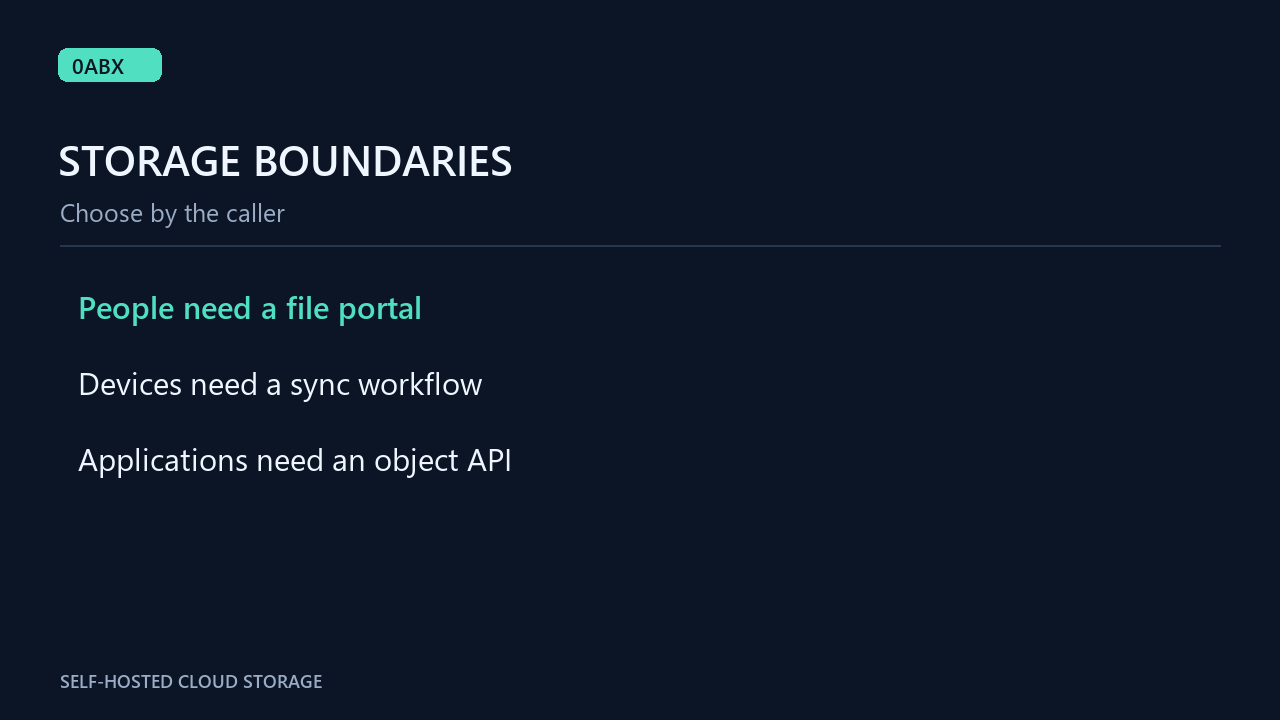
A browser file portal is for people who need shared folders. Sync is for keeping device copies in step, while object storage is for applications that work with buckets. For a shared folder, verify who can open it after a permissions change and recover it from a separate backup.
This guide provides an original migration worksheet and proposed acceptance checks. The examples are fictional planning inputs, not measurements of a deployed system. No storage product was benchmarked for this article.
Pick the storage boundary before picking the product
| Your actual job | Candidate boundary | Question that decides it |
|---|---|---|
| People browse, share and retrieve documents | A file portal such as Nextcloud or ownCloud | Can each intended client complete the actual sharing workflow? |
| Applications write objects through an API | Self-hosted S3-compatible storage | Does the application support this endpoint and its required API behavior? |
| You need copies on particular devices | A synchronization workflow | What happens when a device is offline or two copies change? |
Nextcloud describes desktop and mobile access, sharing and optional collaboration features. ownCloud distinguishes Infinite Scale from its older Server product; an ownCloud self-hosted deployment should identify its exact product and edition before following instructions. These are candidates for evaluation, not a ranking by speed or safety.
An original migration contract you can fill in
Use this contract before installing anything. Name a person for each row, give the evidence a private reference, and leave results as NOT RUN until someone performs the check. Do not put passwords, private files or access tokens in a shared worksheet. The objective is to turn “it works” into a decision another operator can repeat.
| Decision | Write down | Acceptance evidence |
|---|---|---|
| Authoritative copy | Which existing location remains the source until cutover? | A dated inventory with file count and selected hashes |
| Clients | Browser, desktop, phone and offline requirements | Each required client opens the same synthetic fixture |
| Sharing | Who may view, edit, upload and revoke access? | A permitted account succeeds; a denied account fails |
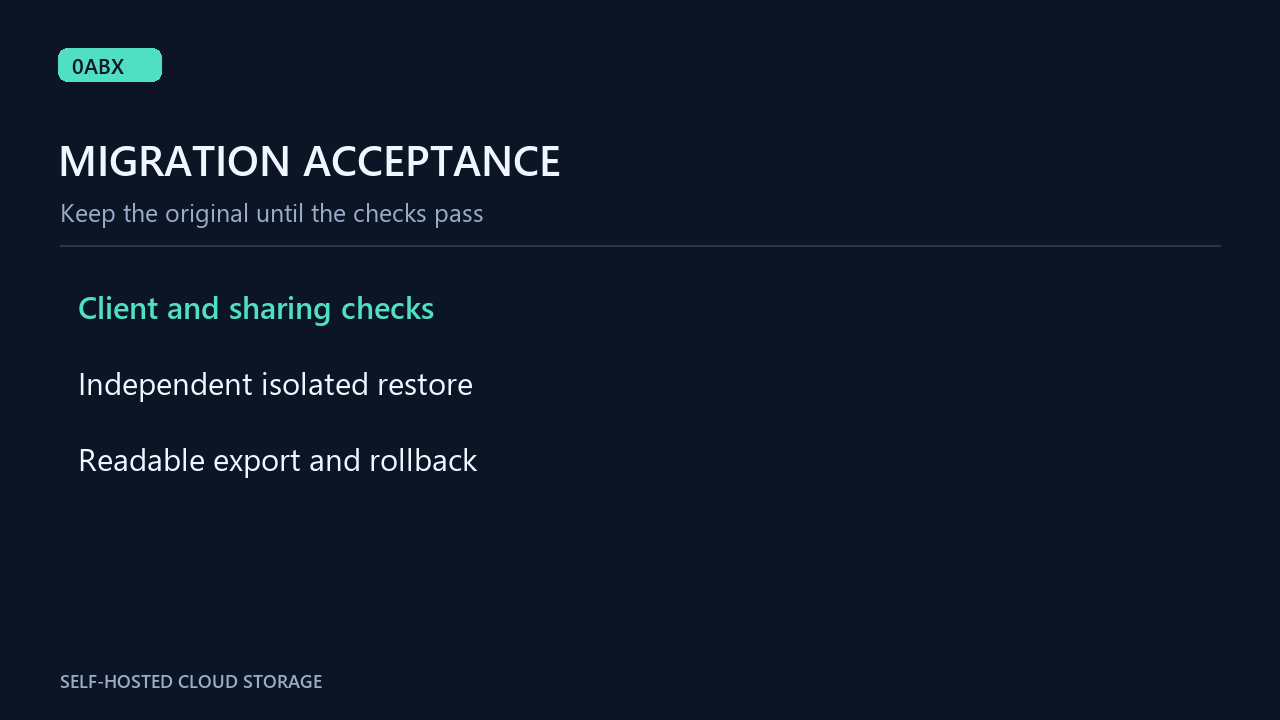
| Recovery | Which independent copy survives loss of the main server? | A separate restore opens the fixture and preserves required permissions |
| Exit | How will people retrieve usable files if this service is retired? | An export is readable without depending on the original server |
A small fixture that exposes large migration mistakes
Create a disposable folder with an ordinary text document, a nested directory, a filename with spaces, a non-Latin filename and a harmless image. Add a second version of the text document. Record which versions and metadata actually matter to you. This fixture is an original proposed test set; it is not a claim that every product preserves all metadata.
- Upload the fixture through the intended everyday client. Download it using a second client and compare contents. Record unsupported names or transformations rather than quietly renaming everything.
- Grant a disposable collaborator the minimum intended access. Confirm a different account cannot reach the restricted folder. Revoke the share and retest the original link in a clean session.
- Disconnect a disposable device, change its local test copy, then reconnect. Observe the actual conflict behavior. Never conduct this exercise against the only copy of important files.
- Back up the application using its documented consistency procedure. Restore into an isolated destination; keep the production hostname and clients away from it.
- Export the fixture to an ordinary retrieval location. Check filenames, contents and required metadata. Log what does not survive the exit.
Two fictional households, different answers
Household A needs grandparents to retrieve a few documents through a browser. Nobody will maintain a device-to-device sync mesh. Its contract prioritizes simple account recovery, explicit shares and an alternate operator. A sophisticated backend does not solve an unusable sign-in process.
Studio B has two editors, offline work and a service that writes objects through an S3 API. It should record the editors’ file workflow separately from the application’s object workflow. Giving people bucket credentials to compensate for a missing file portal expands access and leaves the original problem unresolved. Neither scenario implies a particular product passed these checks.
Calculate a transfer floor, then measure the rehearsal
For a fictional 120 GB transfer over a sustained 20 Mbps upload path, the decimal-unit floor is 120 × 1,000,000,000 bytes × 8 ÷ (20 × 1,000,000 bits/second) = 48,000 seconds = 13 hours 20 minutes. Both inputs are invented for this example. This excludes protocol overhead, retries, concurrent use and storage bottlenecks; it is not a completion promise. Substitute your inventory size and an observed sustained rate, and record the rehearsal separately.
Reserve headroom for uploads, temporary work, versions and backups instead of equating a disk label with usable space. For an original planning example, 200 GB of current files plus 60 GB reserved for versions plus 40 GB temporary space totals 300 GB before filesystem overhead or an independent backup. These are hypothetical allocations, not sizing advice for any named application.
Download the original cloud-storage migration worksheet. Record PASS, FAIL or NOT RUN for each checkpoint, plus the date, application version, client and operator. Stop the cutover if denied access succeeds, the export is unreadable or the independent restore has not been demonstrated.
Keep file storage and object storage distinct
Self-hosted file storage serves a person’s file workflow. Self-hosted object storage serves an application’s object API. An S3-compatible label is a starting point for compatibility checks, not proof that your client supports every needed operation.
Nextcloud’s primary-storage documentation explains an important boundary: with an object backend, names and directory metadata remain in the application database while object content uses identifiers. Direct bucket access therefore does not reconstruct an ordinary folder tree. Its documentation also warns that configuring primary object storage on an existing instance makes existing files inaccessible. Plan a documented migration rather than changing a configuration key on the live library.
The same document distinguishes primary storage from its external-storage integration. Decide which integration you actually need. “Cloud storage self hosted” does not specify which component owns identities, metadata, shares or recovery.
A recovery decision before the first real upload
Nextcloud’s backup instructions include application configuration, data, database and relevant application/theme files. A folder of downloaded documents is useful, but it does not by itself preserve the complete service. Keep a recovery record appropriate to the exact release and deployment method you choose.
For ownCloud, confirm whether the instructions concern Server or Infinite Scale and use matching release documentation. Do not combine backup commands from one architecture with storage assumptions from another. Avoid copying credentials into public examples.
Our restore-first backup checklist covers the independent recovery boundary. For the host and migration handoff, use the website and server guide. Keep these responsibilities explicit before adding optional collaboration features.
Common questions
What is the best self-hosted cloud storage?
The best fit is the one that passes your client, permission, recovery and exit contract with an operator you can sustain. A feature count cannot answer those questions for you. Test the selected edition with disposable data before moving important files.
Can a bucket replace my family cloud drive?
Only if a suitable application provides the user workflow you need. A bucket endpoint alone does not establish browser editing, account recovery or safe sharing for relatives.
Is synchronization enough protection?
No. The contract needs an independent recoverable copy and a restore check. A mistake that propagates to other clients remains a mistake in multiple places.
Watch the short walkthrough
Original narrated slides with synthesized English voice. The written checklist above provides the same guidance.
Planning guide reviewed 30 October 2026. Product capabilities should be checked against the installed release. The worksheet, fixture, scenarios and arithmetic examples are original 0abx material; proposed checks are not reported test results.
