
How to Self-Host a Website: A Server and Migration Checklist
A self-hosted website needs more than a server that can display a page. Choose a stack you can patch, back up and restore; keep DNS, TLS, application files, uploads and the database in one written ownership map; then prove the public URL, media, redirects and sitemap before retiring the old site.
For a first site, a managed VPS or WordPress-capable host is usually a better starting point than assembling every service yourself. The practical question is not “can this machine run a web server?” but “who will notice, repair and recover each layer?”
By Licheng LI · 20 October 2026 · Documentation checked on this date.
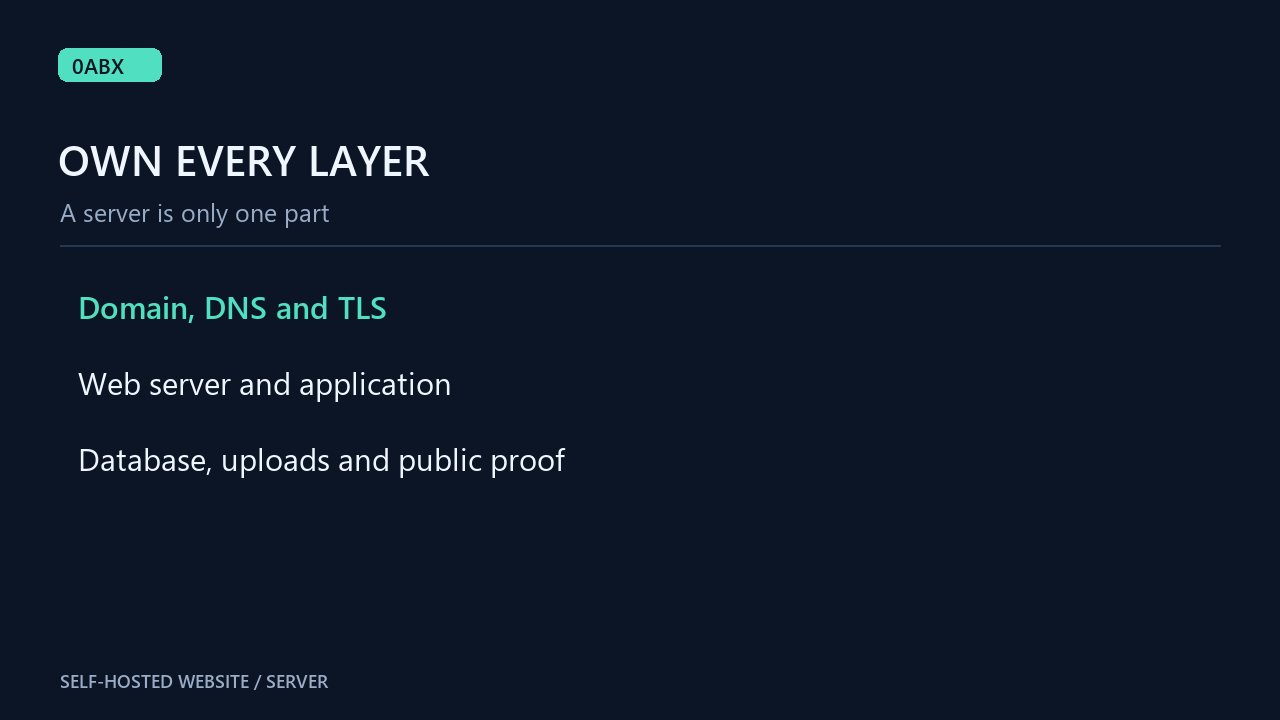
The seven-layer ownership map
Write one owner and one recovery action for every row. A blank cell is a deployment risk, even when the homepage currently loads.
| Layer | What must exist | Evidence to keep | Recovery question |
|---|---|---|---|
| Domain | Registration and renewal | Registrar, expiry date, recovery contact | Can you regain control without the web server? |
| DNS and proxy | Records pointing visitors to the site | Record export and expected hostnames | Can you restore records without guessing? |
| TLS | Valid HTTPS for every canonical hostname | Certificate source and renewal path | What happens when renewal fails? |
| Web server | HTTP routing and application handoff | Config location and reload procedure | Who owns logs and restarts? |
| Application | WordPress core, plugins and theme | Version inventory and update owner | Can you rebuild without editing the live theme? |
| Content | Database plus uploads | One matched backup set | Have both halves been restored together? |
| Public proof | Pages, media, redirects and sitemap | Dated acceptance record | What must pass before the old host is retired? |
A migration acceptance worksheet
This worksheet comes from the 0abx migration from a static deployment to an existing WordPress host. It records checks that were actually performed on this site, without exposing credentials or presenting the server as a universal template.
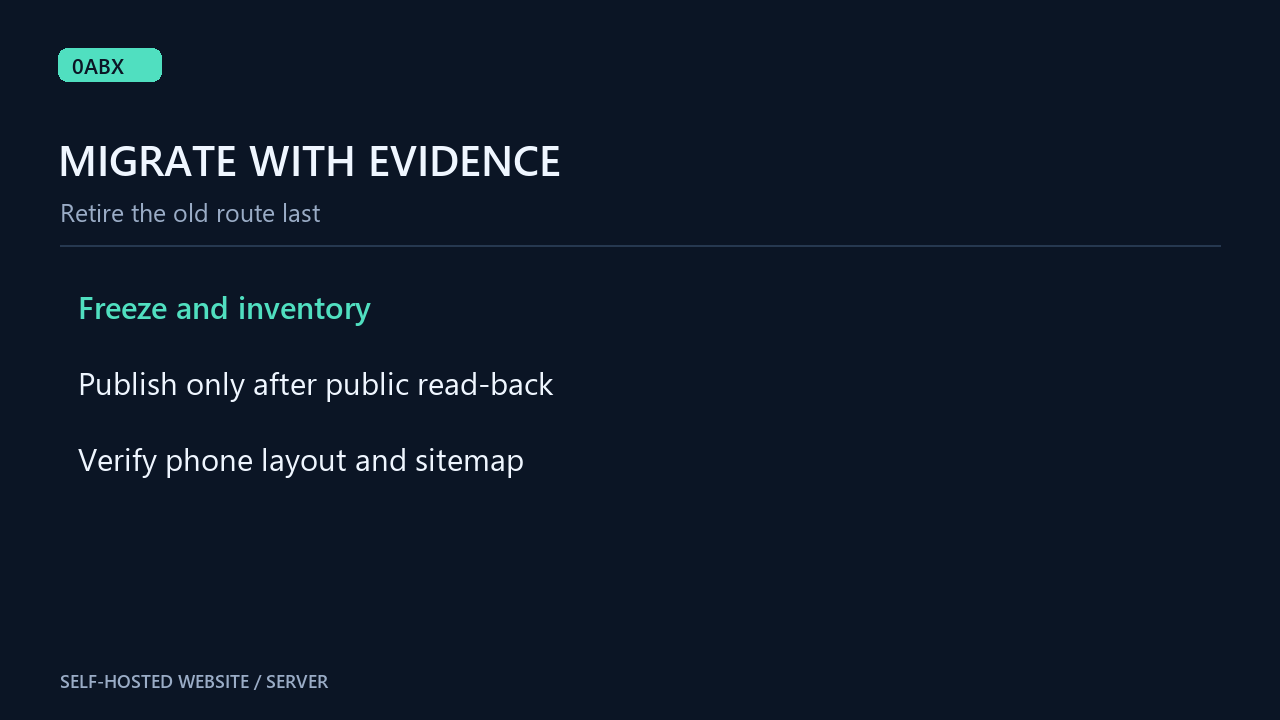
- Freeze the source: keep a local copy of the old content and a list of published URLs before changing the destination.
- Inventory the destination: record the active theme, important pages, media paths and verification markers. Preserve them explicitly.
- Move content as drafts first: verify titles, dates, images and links before changing publication status.
- Keep one canonical hostname: confirm the alternate hostname redirects to it and that WordPress generates the same canonical URLs.
- Read from outside: request the homepage, legal pages, new guide, images, video and sitemap over HTTPS. A successful editor save is not public proof.
- Check a phone viewport: look for horizontal overflow, hidden answers and oversized spacing. Record the viewport and result.
- Retire the old route last: only after the new URLs and sitemap pass. Keep the old project as a backup, not as a second live origin.
Decide whether the server is ready
Score each line as ready, owned but untested, or unknown. Do not turn the total into a fake benchmark; the value is in the unresolved row.
| Decision | Ready means | Pause when |
|---|---|---|
| Runtime | Supported application, PHP and database versions | The host depends on end-of-life components |
| Capacity | Disk, memory and upload limits fit the actual workload | You only have a provider marketing number |
| Access | Separate admin account, recovery path and least privilege | One shared credential controls everything |
| Backups | Files and database are captured as one dated set | You have only an export or only an uploads folder |
| Restore | A documented destination and acceptance check exist | “Backup completed” is the only evidence |
| Updates | A maintainer owns core, plugin and theme updates | Updates are avoided because rollback is unclear |
| Monitoring | Public availability and storage pressure have an owner | You learn about outages from a visitor |
What our migration proved—and what it did not
For 0abx, the new WordPress pages, uploaded media and sitemap returned HTTP 200 after migration; the selected theme and existing verification marker were preserved; and new guides were read back from the public domain before the ledger marked them published. Those are narrow acceptance results for this site.
They do not prove that the host can handle a particular traffic level, survive a regional outage, or restore from every failure. No load test, failover drill or full server rebuild was performed for this article. Treat those as separate future tests rather than implied guarantees.
Current platform requirements
WordPress currently recommends PHP 8.3 or greater, MariaDB 10.11 or MySQL 8.0 or greater, plus HTTPS. It notes that legacy versions may still run but have reached end of life and may expose a site to security problems. Check the current WordPress requirements before choosing a host.
The Site Health screen exposes the server, database, filesystem permissions, HTTPS and WordPress constants that help turn a vague “hosting plan” into an inventory. A green homepage does not replace reviewing these details.
WordPress describes a complete backup as two parts: site files and the database. Its backup guidance recommends treating them as a matched set; restoring typically means files first, then importing the database and updating database credentials if they changed.
The built-in Tools → Export file is useful for moving posts and related content, but it is not a complete server backup. Keep application files, uploads and configuration in the recovery plan too.
Watch the short walkthrough
Original narrated slides with synthesized English voice. The written checklist above provides the same guidance.
Questions before you publish
Do I need a powerful server?
Start from the workload: expected media size, application runtime, database, backup space and maintenance window. Do not claim a visitor capacity from CPU and memory alone without a measured workload.
Is a control panel the same as a recovery plan?
No. A panel can simplify routine actions, but you still need an export of critical configuration, a matched content backup and a way to rebuild when the panel itself is unavailable.
Can I move DNS first and repair the site afterward?
Prepare and test the destination first. DNS changes should expose an already verified site, not become the experiment that discovers missing media, redirects or configuration.
Method and limits
The ownership map, migration worksheet and readiness table are original editorial contributions. The migration observations are limited to actions recorded for 0abx; sensitive credentials and private backups are excluded. No performance benchmark, disaster simulation or provider comparison was performed.
Continue with the restore-first backup checklist, decide which services need a public URL, or browse all guides.
